AI Image Generator
Transform your text descriptions into stunning visual creations using cutting-edge AI technology
Generation Settings
Generated Result
Start Creating
Enter your creative description on the left, and AI will generate stunning images for you
💡 Usage Tips
Be Detailed
Provide as much detail as possible, including subject, environment, style, colors, mood, and other elements. The more detailed your description, the better the generation results.
Use Style Keywords
Add art style keywords like "realistic", "watercolor", "cyberpunk" to significantly change the appearance of the image.
Quality Modifiers
Add quality modifiers like "high definition", "4K", "rich details", "professional photography" to enhance image quality.
Iterate and Refine
If the first generation doesn't meet your expectations, adjust the description and regenerate, or use the "Generate Variations" feature to explore more possibilities.
🎨 Example Works

Realistic Style
A cute orange kitten sitting on a windowsill
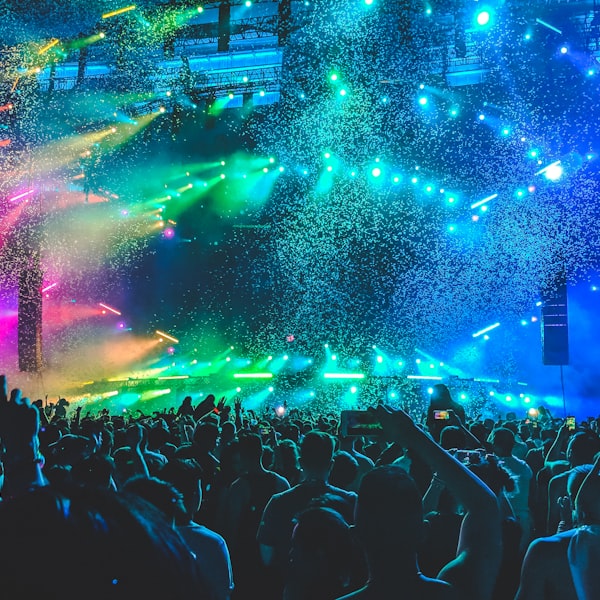
Cyberpunk
Futuristic city nightscape with neon lights

Watercolor
Serene landscape in ink wash style

Digital Art
Sci-fi space scene with planets and nebulae